

Is your deployment process a constant source of anxiety? While your application code flies through automated pipelines, your critical data often gets left behind—manually.
This creates a dangerous gap. In a March 2025 article, Neel Vithlani highlighted how automating database schema changes prevents the outages and errors caused by manual hand-offs.
Joey D’Antoni confirms the issue. Even with agile models as the standard, database updates frequently lag, creating severe production bottlenecks.
The truth is stark. Connecting your data infrastructure to your development workflow isn’t a luxury anymore. It’s a necessity for any team that values speed and stability.
This guide is your technical roadmap. We’ll show you how to bridge that gap, transforming a fragile deployment process into a resilient system for rapid, error-free software releases.
Key Takeaways
- Manual database deployments are a leading cause of production disruptions and errors.
- Database changes frequently fall behind application code updates in agile cycles, creating bottlenecks.
- Automating schema changes is essential for modern, high-velocity development environments.
- Bridging the gap between application code and data infrastructure is a critical challenge for teams.
- Adopting automated strategies leads to a more resilient and reliable release process.
- This integration is no longer optional for maintaining competitive speed and stability.
- This guide provides a actionable, technical roadmap to achieve this crucial alignment.
Database Integration Challenges in CI/CD Environments
The stateful nature of your data creates unique risks that pure code pipelines can’t handle. As Joey D’Antoni warns, schema modifications are inherently risky. They can directly lead to increased outage windows or severe performance problems.
You often face a critical mismatch. Your application code evolves rapidly through agile sprints. Yet, the underlying database state remains static. This lag causes significant deployment failures when you reach production.
Managing these complex dependencies demands a new approach. Your team must move away from manual, error-prone interventions. The stateful nature of data complicates standard automation workflows.
| Aspect | Application Code | Database State |
|---|---|---|
| Change Velocity | Rapid, iterative updates | Slow, state-preserving modifications |
| Deployment Risk | Low; often stateless and rollback-friendly | High; schema changes can cause extended outages |
| Primary Concern | Feature delivery and logic | Data integrity and historical consistency |
Without a unified strategy, your organization will struggle. Addressing these issues early is non-negotiable. It ensures your environment stays stable during frequent updates.
Understanding CI/CD Concepts for Database Deployments
Why do database modifications often become the bottleneck in a fast-moving pipeline? To answer this, you must grasp how core automation principles apply to your data.
These concepts transform a fragile, manual development hand-off into a resilient system.
Decoding Continuous Integration for Databases
Continuous integration means merging changes immediately. For your database, this includes schema updates and query logic.
As Joey D’Antoni notes, this immediate integration is critical. Your process must alert engineers to problems right away. This prevents poor-quality code from ever reaching production.
Ensuring Continuous Deployment Reliability
Continuous deployment focuses on speed. It moves changes from whiteboard to production as fast as possible.
Automation reduces human interaction. This drives faster software builds and improved quality. Reliability in your pipeline depends on keeping your database and application code perfectly in sync.
Every deployment becomes predictable and repeatable.
| Aspect | Continuous Integration (CI) Focus | Continuous Deployment (CD) Focus |
|---|---|---|
| Primary Goal | Immediate validation of schema and logic changes | Rapid, automated promotion of changes to production |
| Key Mechanism | Automated testing and immediate feedback loops | Reduced human intervention in the release pipeline |
| Outcome | Early error detection, preventing database defects | Consistent, low-risk releases maintaining a deployable state |
Strategies for Automating Database Schema Changes
The key to eliminating deployment bottlenecks lies in scripting and versioning your data modifications. Neel Vithlani emphasizes a critical shift. You must apply version control and scripted processes to every schema update.
Start by treating your database code like application code. Store all migration scripts and schema files in your version control system. This creates a complete audit trail for every change.
Your automated process should run lint checks on each commit. Catch syntax errors and potential performance issues early. This prevents them from ever reaching your staging environment.
Automatically generate deployment scripts from your source files. This eliminates the typos and inconsistencies of manual updates. Your team gains a reliable, repeatable mechanism for applying changes.
| Aspect | Manual Schema Updates | Automated Scripted Strategy |
|---|---|---|
| Traceability | Poor; reliant on individual memory and notes | Full; every change is committed and versioned |
| Error Prevention | Reactive; bugs often found in production | Proactive; validation occurs in the CI pipeline |
| Deployment Consistency | Variable; depends on the person executing | Guaranteed; scripts are generated and applied uniformly |
| Release Synchronization | Frequent mismatches with application features | Lockstep alignment between database state and app releases |
This method ensures your data layer evolves in perfect sync with new features. You close the dangerous gap that causes so many production failures.
Key Tools for Efficient CI/CD and Database Management
Which software instruments can turn your fragile data updates into a robust, automated workflow? The right tools are not just conveniences—they are foundational to your success.
Industry-standard utilities like Liquibase and Flyway excel here. They automate schema modifications incrementally. This ensures the same changes never run twice, preventing dangerous duplication errors in your database.
For orchestration, GitHub Actions serves as a powerful build server. It triggers your pipeline on every commit. The system checks out code and runs validation steps automatically, providing immediate feedback.
Containerization tools like Docker let you spin up fresh test instances. This eliminates conflicts from local environment states. Together, these tools deliver essential audit trails and logs.
Your team maintains compliance and debugs failures swiftly. This turns your database deployment from a manual chore into a reliable, repeatable pipeline component.
integrating databases with CI/CD pipelines
Many development teams treat their application source code with reverence, while their database code languishes in obscurity. Joey D’Antoni notes this is a widespread, poor practice. Your SQL scripts and schema definitions must be part of your database version control systems.
At a minimum, your Data Definition Language and core business logic belong in source control. This creates a single source of truth. Treat your SQL with the same rigor as your application features.
Building unit tests around your SQL is essential. These tests validate your data modifications. They ensure integrity is maintained throughout the entire deployment pipeline.
Avoid the common pitfall of exclusion. Leaving database logic out of version control creates massive technical debt. It makes every future change more risky and complex.
Centralize your data logic. This empowers your team to manage complex releases with confidence. They can apply the same proven processes used for application code.
Implementing Automated Testing and Version Control in Data Workflows
Your data’s reliability hinges on two pillars: rigorous testing and meticulous version control. These practices transform your modifications from a source of fear into a predictable, safe process.
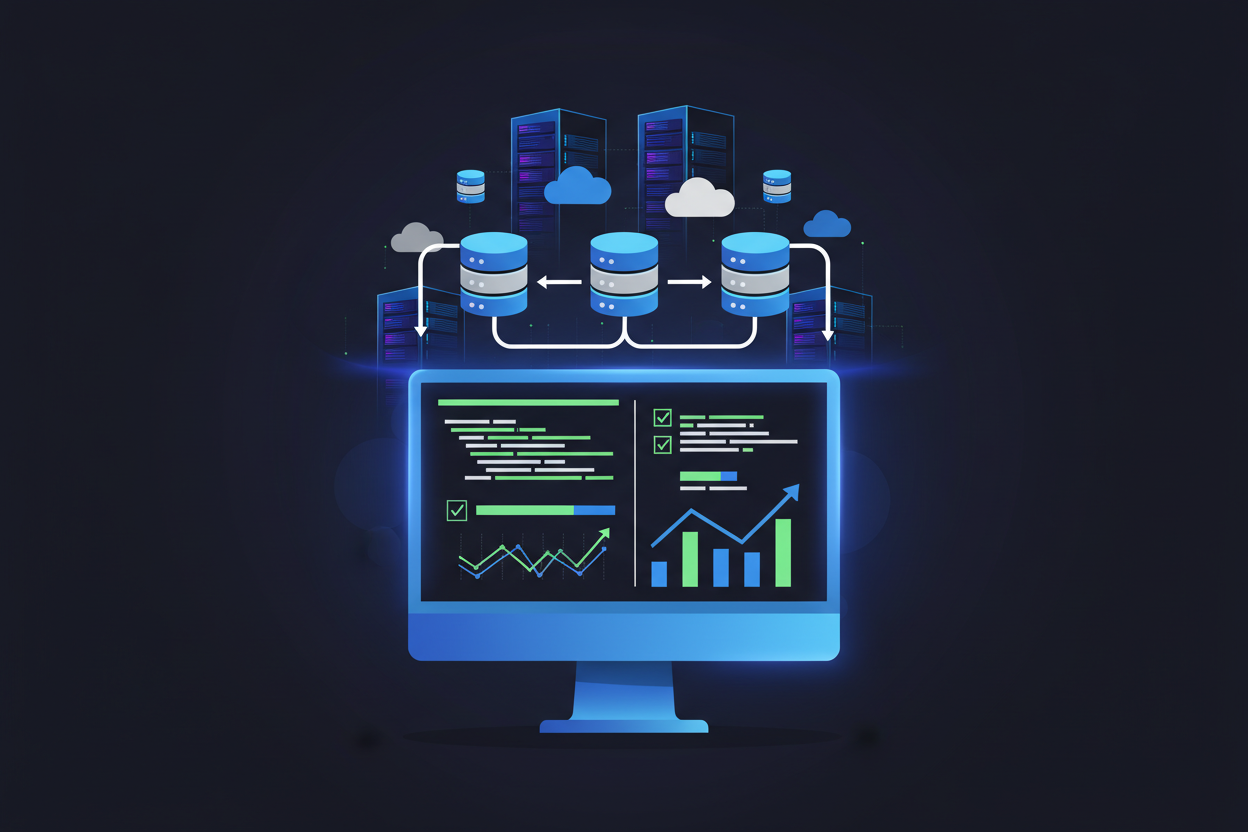
As Joey D’Antoni defines it, unit testing validates individual code units against their design goals. For your database, this means verifying every schema change and script in isolation before it ever touches production.
Your automated checks must meet specific criteria to be effective:
- They must be fast, providing immediate feedback.
- They must be repeatable, yielding the same result every time.
- They must be idempotent, confirming data integrity with a simple pass/fail signal.
Embedding this testing directly into your deployment pipeline is a game-changer. It results in higher-quality database code and slashes the risk of catastrophic production failures.
Meanwhile, version control acts as the unshakable backbone. It tracks every single alteration to your database schema with precise commit references. This creates a complete, auditable history of your data evolution.
By isolating your tests within the database layer, you build robust workflows. This ensures your entire system remains reliable and scales confidently, keeping your deployment pipeline strong.
Managing Ephemeral Environments for Database Testing
Automating the creation and destruction of test databases is a non-negotiable step for modern DevOps teams. Shared staging environments are a common bottleneck. They lead to conflicts and unpredictable results.
Provisioning Temporary Test Databases
Containerization allows consistent versions of database engines to be used in transient environments. You can use Docker to spin up a fresh instance for each pipeline run.
This ensures every test occurs in a clean, isolated space. Neel Vithlani suggests a dedicated database user for these ephemeral setups. It lowers the risk of unintentional destructive actions.
Automating this provisioning reduces conflicts from multiple developers sharing a single staging environment. Your pipeline should also de-provision resources post-test.
This avoids unnecessary costs and idle infrastructure. The approach ensures your test environment closely mirrors production. You catch configuration errors before they reach live users.
Leveraging Git and CI/CD for Streamlined Database Updates
Git transforms your database schema from a hidden liability into a transparent, collaborative asset. It serves as the primary repository for your schema files, storing every change with clear commit references. This creates a definitive history, making your database version control systems the backbone of reliable evolution.
When you push new code to this repository, your CI/CD pipeline automatically springs to life. It triggers a series of events—testing, validation, and deployment tasks—without manual intervention. This keeps your database modifications perfectly synchronized with application releases.
As Neel Vithlani demonstrates, checking in your database artifacts is crucial. It allows your automated pipeline to directly reference these files for building and testing schema updates.
Adopt these core practices to maximize the system:
- Commit often with clear messages that explain the “why” behind changes.
- Treat SQL scripts with the same rigor as application code.
- Use branching and merging to manage complex updates collaboratively.
This approach ensures your team collaborates effectively. You maintain a consistent and auditable deployment history for every change.
Best Practices for Secure and Reliable Database Deployments
Your production data’s safety hinges on a set of non-negotiable deployment practices. Start by implementing a dedicated, limited-privilege user for all migrations. As Neel Vithlani advises, this drastically reduces the risk of accidental damage to your critical database assets.
Next, ensure your scripts are idempotent. They must run multiple times without causing errors if a process is interrupted. Keep migrations small and incremental. This makes troubleshooting easier and slashes potential downtime during a production deployment.
Always verify your backup processes as part of your automated pipeline. This guarantees recovery if a deployment fails. Enforce a strict code review for all schema changes. This practice catches design flaws early and directly improves your final code quality. A rigorous review cycle is your best defense, ensuring high quality and reliability in every update to your database.
Overcoming Common Challenges in Data Pipeline Automation
Automating your data workflow seems perfect until you hit the real-world wall of production-scale volumes. Common issues like table locking and environment mismatches can stall your entire pipeline.
Neel Vithlani suggests using online schema changes or chunked migrations. This handles large data volumes without locking your tables for extended periods.
You can overcome environment differences by standardizing your database versions. Use Docker images that match your production configuration exactly.
To prevent schema drift, disallow manual database access. Restrict all production changes to your automated pipeline processes. This is a core principle of robust database version control systems.
Managing cross-database dependencies requires modularizing your systems. Orchestrate updates in a controlled sequence to ensure overall data integrity.
If you encounter stateful production data issues, consider using feature flags. Toggle functionality rather than performing risky, irreversible schema changes. This keeps your pipeline moving forward safely.
Observability, Metrics, and Continuous Improvement
Observability turns the black box of your data pipeline into a transparent, measurable process. You can’t improve what you don’t measure. This visibility is your lifeline for maintaining a stable system.
Tools like SolarWinds Database Performance Monitor give you this power. Joey D’Antoni notes they let you spot anomalous performance issues instantly. You don’t need to write complex SQL queries.
Tracking Key Performance Indicators
You must track specific KPIs to gauge your automation’s effectiveness. Focus on pipeline latency, failure rates, and deployment frequency. These numbers tell the real story of your team’s velocity.
Monitor your database workload before and after every code change. This practice identifies queries that hurt overall system performance. It protects your data delivery to end users.
Robust observability provides the insights for continuous improvement. It directly enhances your data quality scores and CI/CD practices. These metrics empower your team to deliver high-quality data reliably.
Your database is the heart of the operation. Keeping it healthy requires constant, informed attention. Observability makes that possible.
Aligning Team Processes and Agile Database Operations
Shared responsibility for operations is the new normal in DevOps, but does your process reflect that? Joey D’Antoni explains that in a modern setup, tasks are often shared among site reliability engineers and full-stack developers. Your teams must break down old silos to keep the database agile.
Fostering Collaboration and Code Reviews
You must foster a culture where developers and administrators share the same pipeline logs and deployment strategies. This creates a unified front. Code reviews are essential here.
They ensure your schema changes adhere to consistent standards across all teams. This practice shares knowledge and prevents rogue modifications. It turns individual work into a collective safeguard for your database.
Integrating Operational Feedback
Integrating operational feedback into your development process is critical. It lets your teams address performance issues before they escalate into production failures. This loop closes the gap between writing code and running it.
Monitor your pipeline for slowdowns or errors flagged by operations. Use this data to refine your code and deployment scripts. This alignment reduces manual overhead and keeps your system stable during every release.
Bringing it All Together for Robust Data Deployments
Your journey toward resilient data operations culminates here. By weaving your database into your automated pipeline, you transform a fragile deployment process into a reliable system. This system actively protects your most valuable asset—your data.
You now know the cornerstones. Version control, automated testing, and ephemeral environments form the bedrock of modern database management. These strategies are non-negotiable for robust operations.
As experts like Neel Vithlani and Joey D’Antoni stress, these practices slash human error. They ensure your data infrastructure evolves smoothly alongside application code. Your entire system stays in sync.
Start applying these principles now. Begin with small, incremental changes. Build confidence in your automated deployment pipeline step by step.
Your commitment delivers high-quality, trustworthy data. This is the foundation your organization needs to succeed. Your database is no longer a bottleneck—it’s a catalyst for secure, rapid innovation.